What I Learned From Taking Travel Binder on a Road Trip Across America
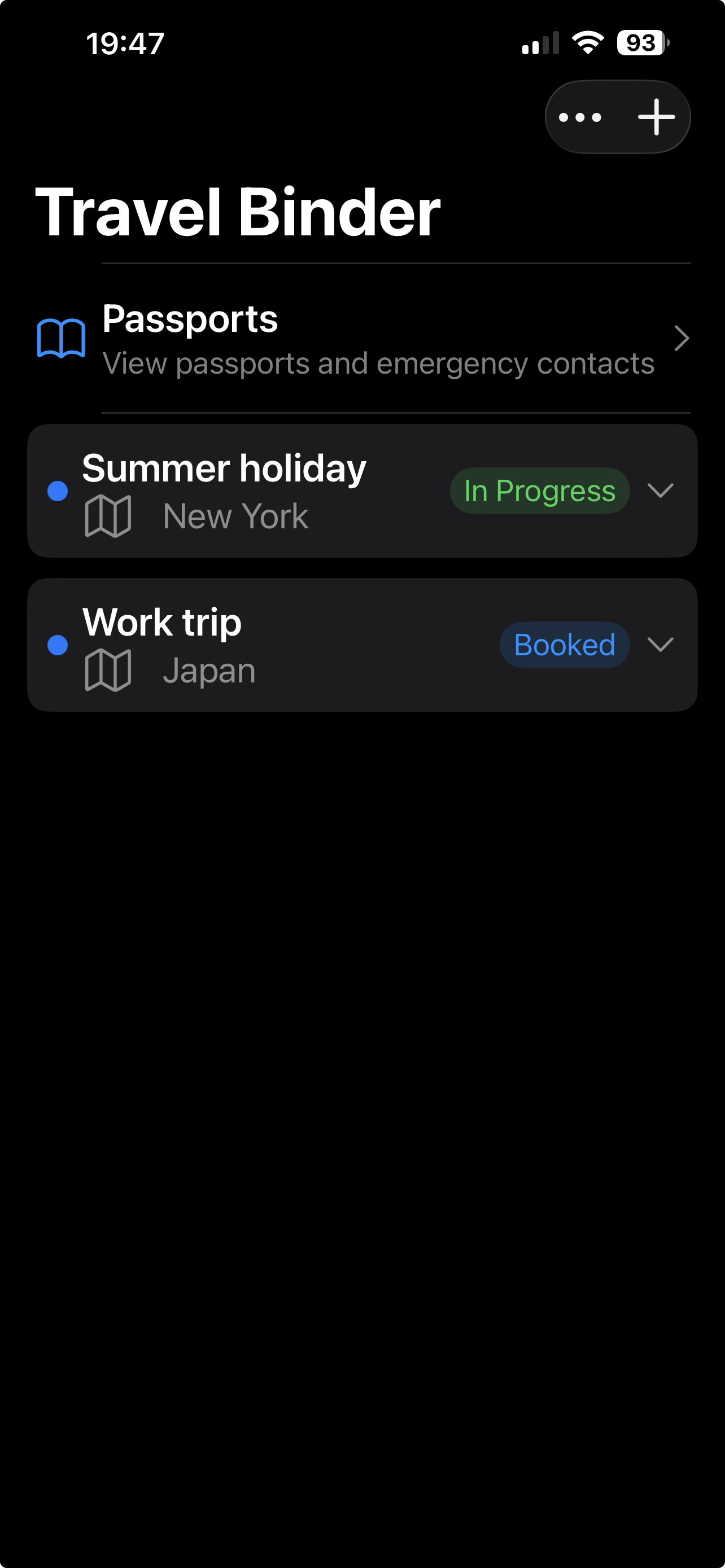
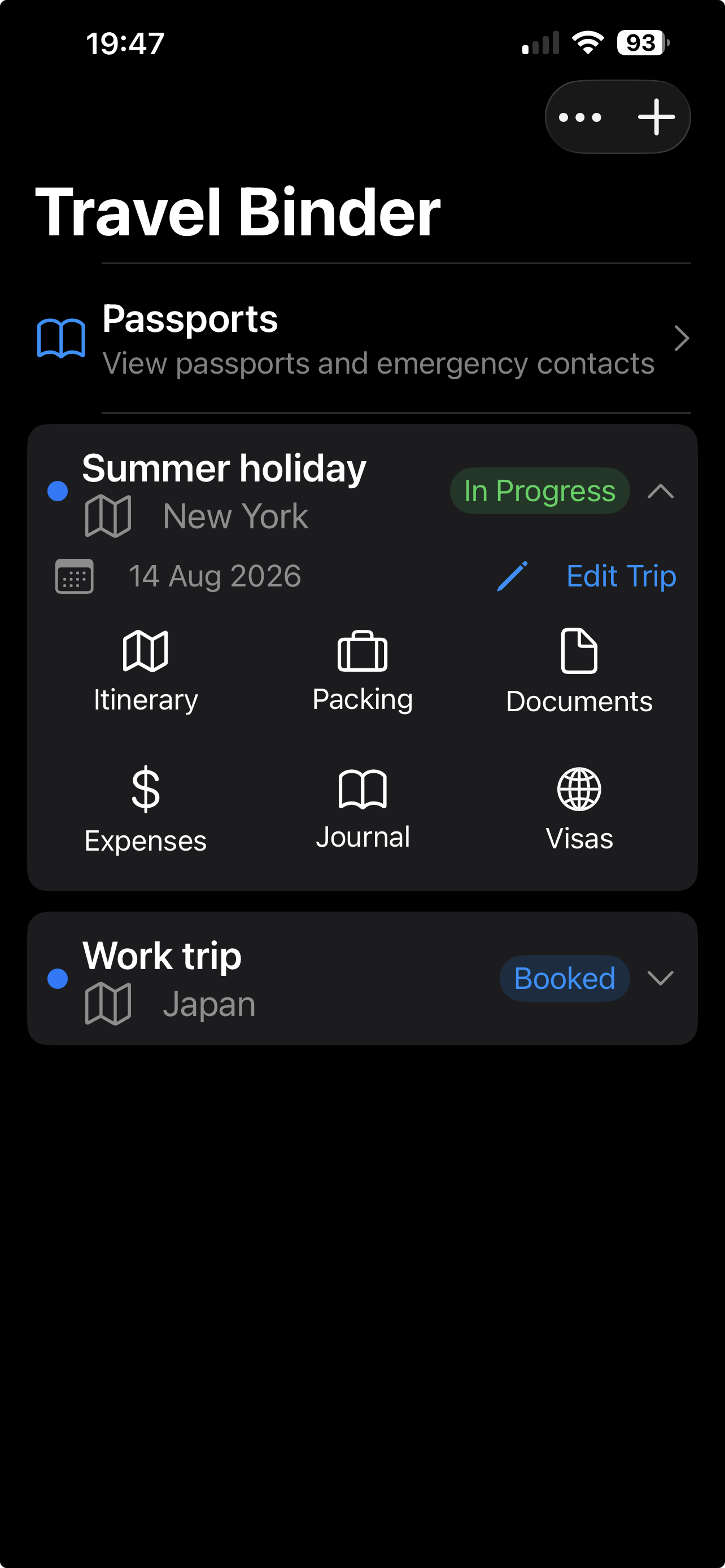
I recently returned from a road trip around America, and for the first time I used my own travel app, Travel Binder, extensively throughout the trip.
I'd built the app to solve a problem I'd experienced myself: having important travel information scattered across emails, screenshots, booking websites, different apps — and even printed-out bits of information. I wanted everything I needed for a trip to be in one single place, so I could quickly find what I needed without searching through different sources.
But using it on a real trip highlighted something I hadn't fully appreciated when I was building it — having all your travel information together, and being able to access it offline, can be incredibly useful.
The airport test: having my ESTA offline
One of the first times Travel Binder really proved its worth was at the airport.
I'd saved my ESTA information in Travel Binder before leaving the UK. When I arrived at the airport, I realised that I didn't have a reliable mobile signal.
Normally, that could have meant trying to find the right email, website or document while standing in the airport.
Fortunately, I didn't actually need to show my ESTA in the end, but it was reassuring knowing that the information was already on my phone and didn't depend on having an internet connection.
That was one of those moments where I thought:
This is exactly why I built this app.
When you're travelling, you don't want to discover that the information you need most is the information you can't access.
Having important documents and travel information stored in Travel Binder meant that even without a signal, I could still access what I'd saved.
Finding our hotel while driving
Travel Binder also came into its own during the road trip.
After a long day of driving, we needed to find our hotel for the evening.
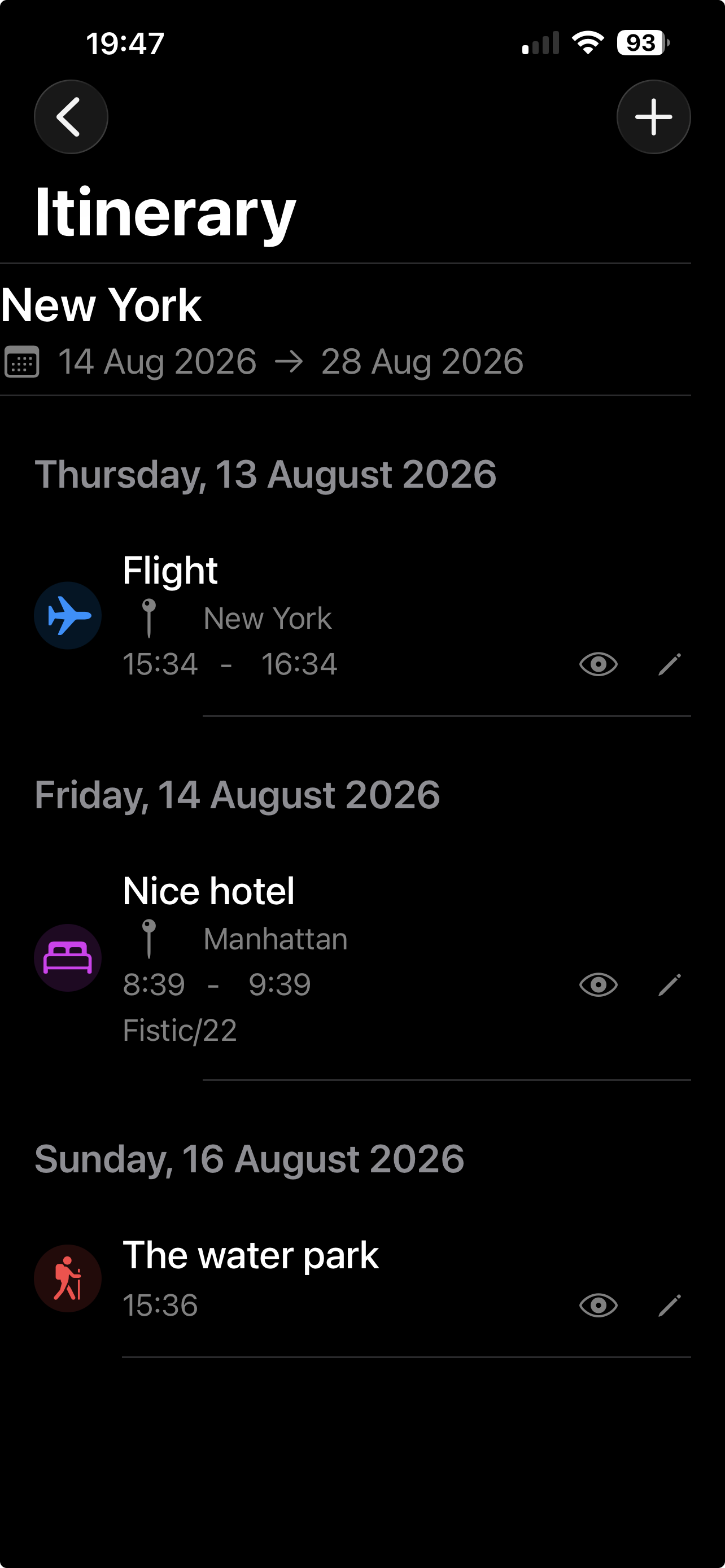
Rather than searching through emails or opening a booking website, I simply opened Travel Binder, went into the itinerary and found the hotel for that night.
The hotel's location was already stored with the booking, so I could open it in Google Maps and start navigating.
It sounds like a small thing, but after driving for hours, small things matter.
Having the entire itinerary laid out in one place meant I didn't have to remember the hotel name, search through emails or work out which booking was for which night. I just opened the itinerary, found the hotel and navigated there.
Seeing the whole trip at a glance
One of the things I found particularly useful was being able to see the whole day's itinerary in one place.
Rather than having to open different bookings or apps to work out what was happening that day, I could simply look at the day's itinerary and see everything at a glance.
It's a simple thing, but when you're travelling, being able to quickly see your plans without having to search for information makes a big difference.
It also helps highlight gaps or potential problems in your itinerary. You can quickly see when you've got nothing planned between two activities or destinations, which gives you an opportunity to decide whether you want to add something — or simply enjoy having some free time.
But perhaps more importantly, seeing your entire itinerary laid out in an easy-to-read format can help you spot mistakes before they become problems.
Maybe you've accidentally booked two hotels for the same night, left a night without accommodation, got your dates wrong, or created an itinerary that simply doesn't make sense when you look at it as a whole.
These are surprisingly easy mistakes to make when you're booking a complicated trip across multiple destinations. Having everything laid out clearly in front of you makes these problems much easier to spot.
Sometimes you don't realise you've made a mistake until you can actually see the whole trip in front of you.
For me, this became another unexpected benefit of Travel Binder. It wasn't just somewhere to store my bookings — it became a way of checking that my travel plans actually worked.
Something I got wrong: my travel SIM
The trip also highlighted something I got wrong myself.
Before travelling, I bought a travel SIM/eSIM — but I chose a data-only plan. For browsing the internet, using maps and messaging, it was absolutely fine.
The problem came when I realised I couldn't make normal phone calls.
I'd assumed that data would be enough. Most of the time it probably is, but there are situations where you might need to make or receive a traditional phone call.
For example, imagine you've booked an activity, excursion or transfer and the company needs to contact you. If you've got a data-only SIM and your normal mobile provider doesn't allow calls where you are, they may not be able to reach you.
So one thing I'll definitely consider next time is getting a travel SIM/eSIM that includes both data and calls. It's something that's easy to overlook when you're focused on finding the cheapest data package.
Hiring a car? Don't forget about parking
Another lesson from the road trip was to think beyond simply booking the hire car.
When you're booking hotels, it's worth checking whether they have parking. This is particularly important when you're doing a road trip and staying somewhere different every night, especially if the hotel is in a city.
Parking can be limited, expensive, or sometimes not available at all. A hotel might look perfect when you're booking it, but if you're arriving late at night with a hire car and discover that parking is unavailable or costs considerably more than expected, it can become an unnecessary headache.
I'd now add parking to my list of things to check when booking accommodation on a driving holiday.
Check the mileage allowance on your hire car
There's another thing that's particularly important when travelling around a country as large as America: mileage.
Some hire cars include unlimited mileage, while others have a mileage allowance. If your rental has a mileage limit, think carefully about how far you're actually going to drive. It's easy to underestimate the distances involved.
You might look at your itinerary and think: “We'll only drive a few hours today.” But then you decide to make a detour, visit another town, drive to a viewpoint or take a slightly different route — and suddenly you've added another couple of hundred miles. In a country like the USA, that's surprisingly easy to do.
The same applies to other large countries such as Australia, where distances between destinations can be enormous.
Before picking up your hire car, check:
- Is mileage unlimited?
- If not, how many miles are included?
- What is the charge for exceeding the allowance?
- Roughly how many miles does your planned itinerary involve?
- Are you likely to add extra driving along the way?
It could save you an unpleasant surprise when you return the car.
A few things I'll do differently next time
My American road trip has given me a slightly different perspective on preparing for a holiday. Before my next trip, I'll make sure I:
- Keep important travel documents available offline. Don't assume you'll always have mobile signal or Wi-Fi when you need something.
- Choose a SIM/eSIM that suits the whole trip. Data is useful, but consider whether you'll also need normal calls.
- Check hotel parking when hiring a car. Especially if you're staying in cities where parking can be expensive or limited.
- Check the hire car mileage allowance. Particularly for road trips in large countries.
- Review the complete itinerary before travelling. Looking at the entire trip in one place makes it much easier to spot gaps, clashes, incorrect dates or other mistakes.
- Keep the whole itinerary in one place. Having bookings, accommodation details, locations and other important information together makes travelling considerably easier.
Why I built Travel Binder
This trip was probably the best real-world test Travel Binder could have had. I didn't just use it because I'd built it. I used it because I actually needed it.
The ESTA situation showed me the value of having important travel information available without an internet connection.
The hotel situation showed me how useful it is to have the whole itinerary together, particularly when you're travelling between multiple destinations.
And being able to see each day's plans clearly showed me another benefit I hadn't fully appreciated when I first built the app.
Travel Binder isn't just somewhere to store your bookings. It gives you a clear overview of your trip. You can see what's happening each day, quickly find the information you need and, importantly, spot potential problems before you travel.
You might notice that you've accidentally booked two hotels on the same night. You might discover you've left an unexpected gap between two destinations. You might realise that the schedule you've created is simply too ambitious.
Seeing everything together makes these things much easier to identify.
And the things I learned about SIM cards, parking and car mileage reminded me that a good travel plan isn't just about flights and hotels. It's about thinking ahead about the little things that can make a trip easier — or unexpectedly difficult.
That's ultimately what I want Travel Binder to be: one place to keep the information you need when you're travelling, so you can spend less time looking for information and more time enjoying the trip.
After taking it across America, I'm pretty confident it's something I'll be using on my next adventure too.
Planning your next trip?
Keep your bookings, itinerary and important travel information together with Travel Binder — all in one place, ready when you need it. £2.99 one-time, no subscription, no account, works fully offline.
Download Travel Binder on the App Store →Travel Binder is built by smallpixel, an independent developer in the UK. Learn more →
Also read: The best offline trip planner for iPhone · How to plan a trip with just your iPhone